
Sign in required — Creating an initiative requires an LF ID account.
Eligibility
Your project must be related to or affiliated with the Linux Foundation. If you are unsure whether your project qualifies, contact your Linux Foundation programme manager.
Starting the form
Click Start a Fundraiser in the header navigation to open the creation form. The form walks you through a series of steps; the exact sequence depends on your initiative type — project initiatives add extra hosting/GitHub steps, and a donation options step (setting sponsorship tiers or accepting open amounts) precedes attribution.
Choose an initiative type
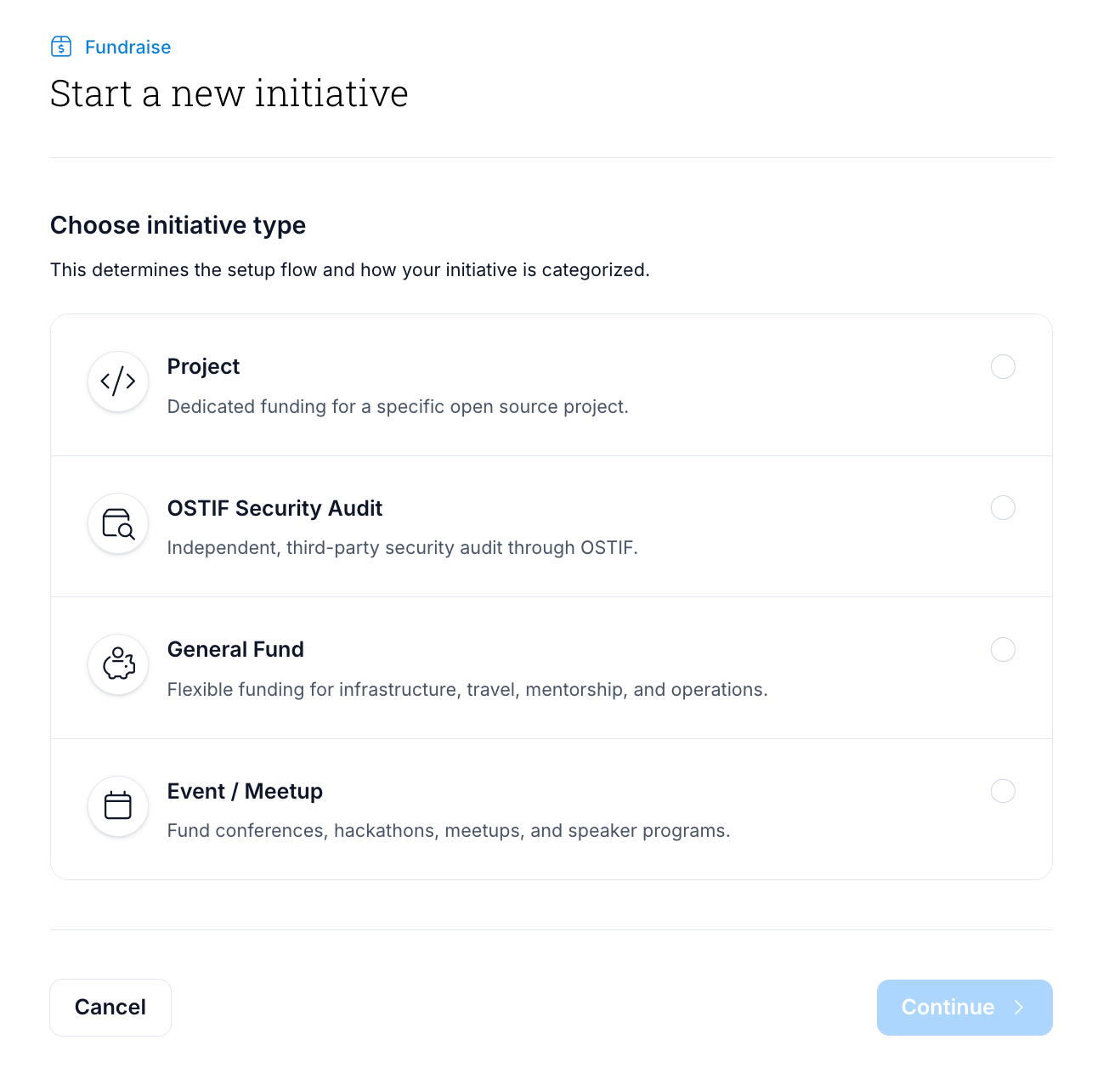
Select the type that best describes your initiative:
| Type | When to use |
|---|---|
| Project | An open source software project seeking ongoing funding |
| Security Audit | A project seeking funds for a third-party security audit |
| Event | A conference, meetup, or community event |
| General Fund | General-purpose fundraising not tied to a specific project or event |
Initiative details
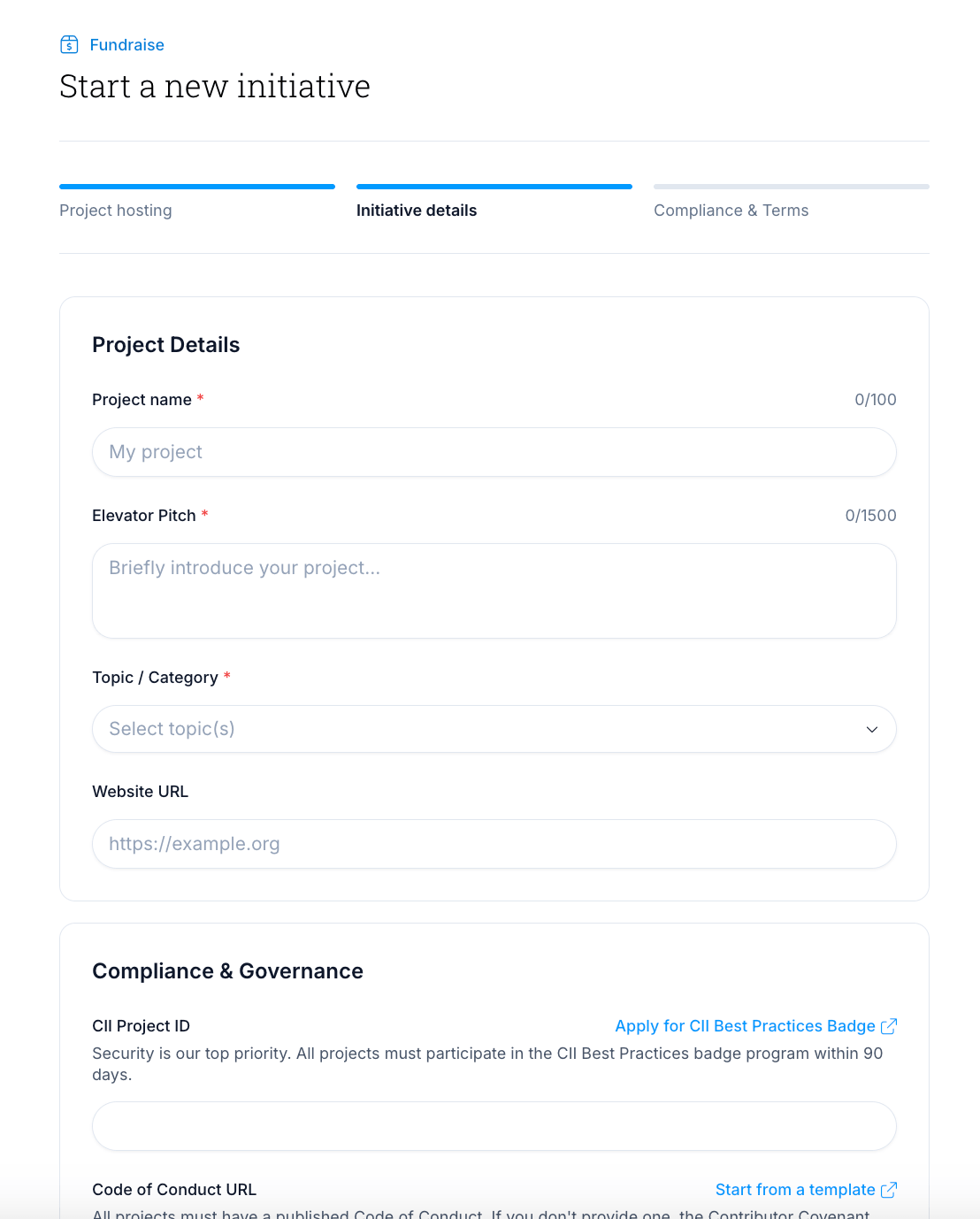
Fill in the details for your initiative. Fields vary by type, but all types ask for:
- Name — the public name of your campaign (max 100 characters)
- Elevator pitch — a short description of what the funds will support (max 1500 characters)
- Topic / category — one or more categories that describe your initiative
- Logo — your project or event logo (JPG, PNG, GIF, or WebP; max 2 MB; 600×600 px recommended)
- Funding goal — your target amount in USD
Project and General Fund initiatives additionally ask for:
- Beneficiaries — the people who will receive the funds (you are added automatically as the primary beneficiary)
- Fund distribution — an optional breakdown of how funds will be allocated (e.g. Development, Marketing, Travel)
Security Audit initiatives ask for:
- Repository URL — the codebase to be audited
- Contact information — primary, secondary, and technical lead contacts
Event initiatives ask for:
- Event dates — start and end date
- Registration URL — link to where attendees can register
- Location — city and country (optional)
- Budget distribution — an optional breakdown across categories such as Venue, Travel, and Marketing
Attribution
Choose who this initiative is being created on behalf of:
- Personal — the initiative is attributed to you. This is the default.
- On behalf of an organization — attribute the initiative to a company or organization where you have a role in LFX.
- On behalf of a project or foundation — attribute the initiative to an LF project or foundation you participate in.
If you choose an organization or project, pick it from the list; you can't type in an entity by hand. The organization list shows organizations where you've been granted a role in LFX Self Serve. The project list shows projects and foundations where you've been granted access directly. If you have none of that kind yet, that option is disabled with a short explanation. To be added, ask an existing admin of that organization or project to grant you a role in LFX Self Serve. Access that comes only through a team or a parent foundation doesn't appear in the list, so to attribute the initiative to that entity, ask its admin to grant you a role on it directly.
An initiative attributed to an organization or project shows that entity's name and logo under its title on the public detail page. The name and logo are saved when you attribute the initiative, so if the entity is later renamed or changes its logo, the label keeps the old values. You can change the attribution only while the initiative is still submitted for review; after it's published, the attribution is fixed. Personal initiatives show no label.
Compliance and terms
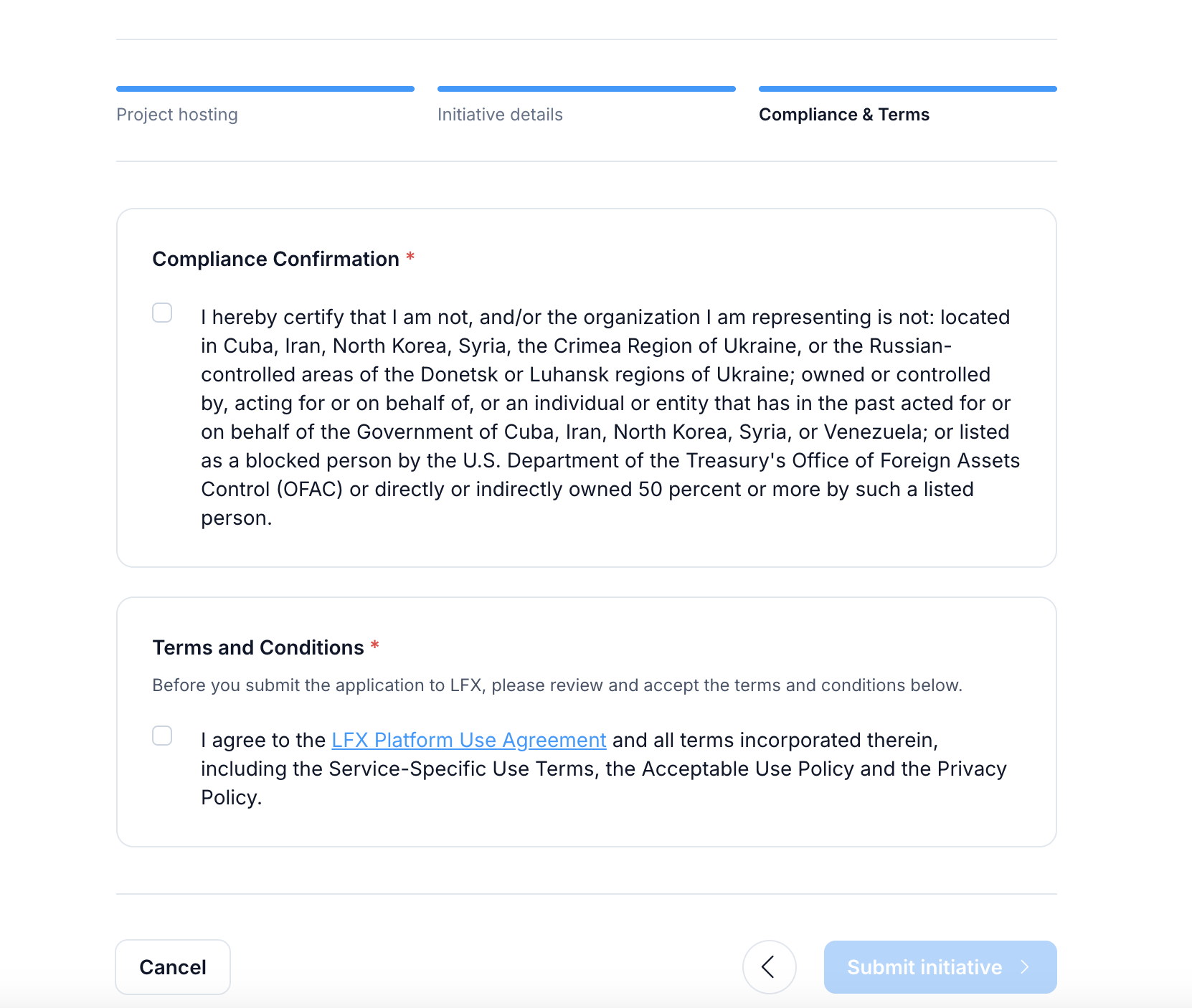
Before submitting, you must confirm:
- OFAC compliance — that your initiative complies with US sanctions regulations. OFAC (the US Office of Foreign Assets Control) administers US sanctions law; you are confirming that your initiative does not involve sanctioned countries, organisations, or individuals.
- Terms of service — acceptance of the LFX Platform Use Agreement
After completing
Once submitted, your initiative enters a review queue. The Linux Foundation team will review your application and notify you by email once it is approved and live. You can track the status of your initiative on My Initiatives on LFX.
Related sections
- Manage Your Initiative — update your initiative after it is published
- Reimbursements — how to set up expense reimbursements for your team