
Backers are the donors and sponsors publicly listed on an initiative page after making a contribution to an open source campaign on LFX Crowdfunding.
Every initiative publicly recognises the people and organisations that have contributed to it. Backers are listed in two places on each initiative page.
Recent donations sidebar
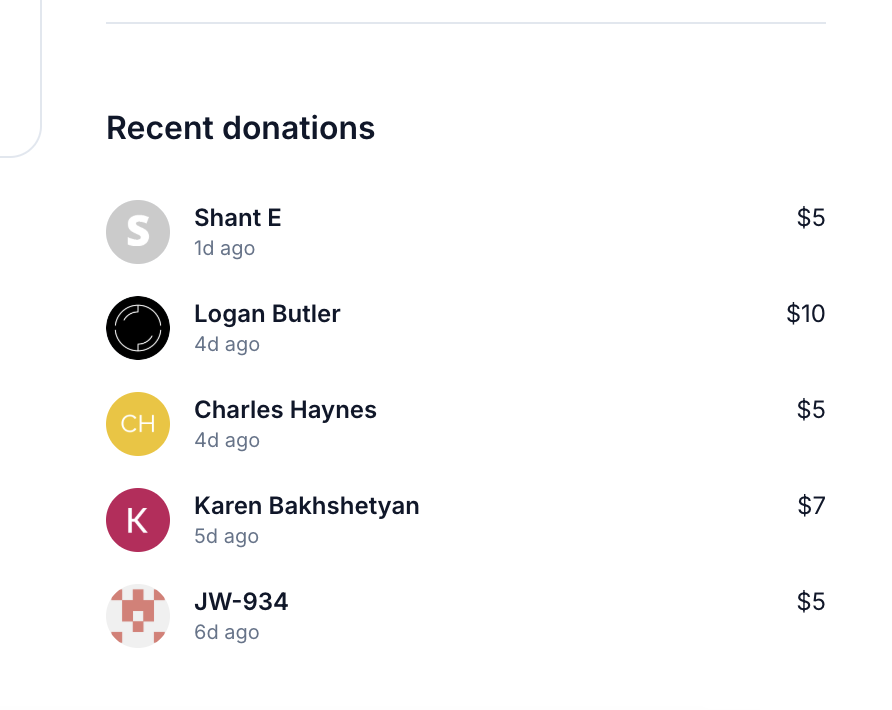
The initiative overview shows the most recent donations in a sidebar, including each backer's name, avatar, amount, and how long ago the donation was made.
Financials tab
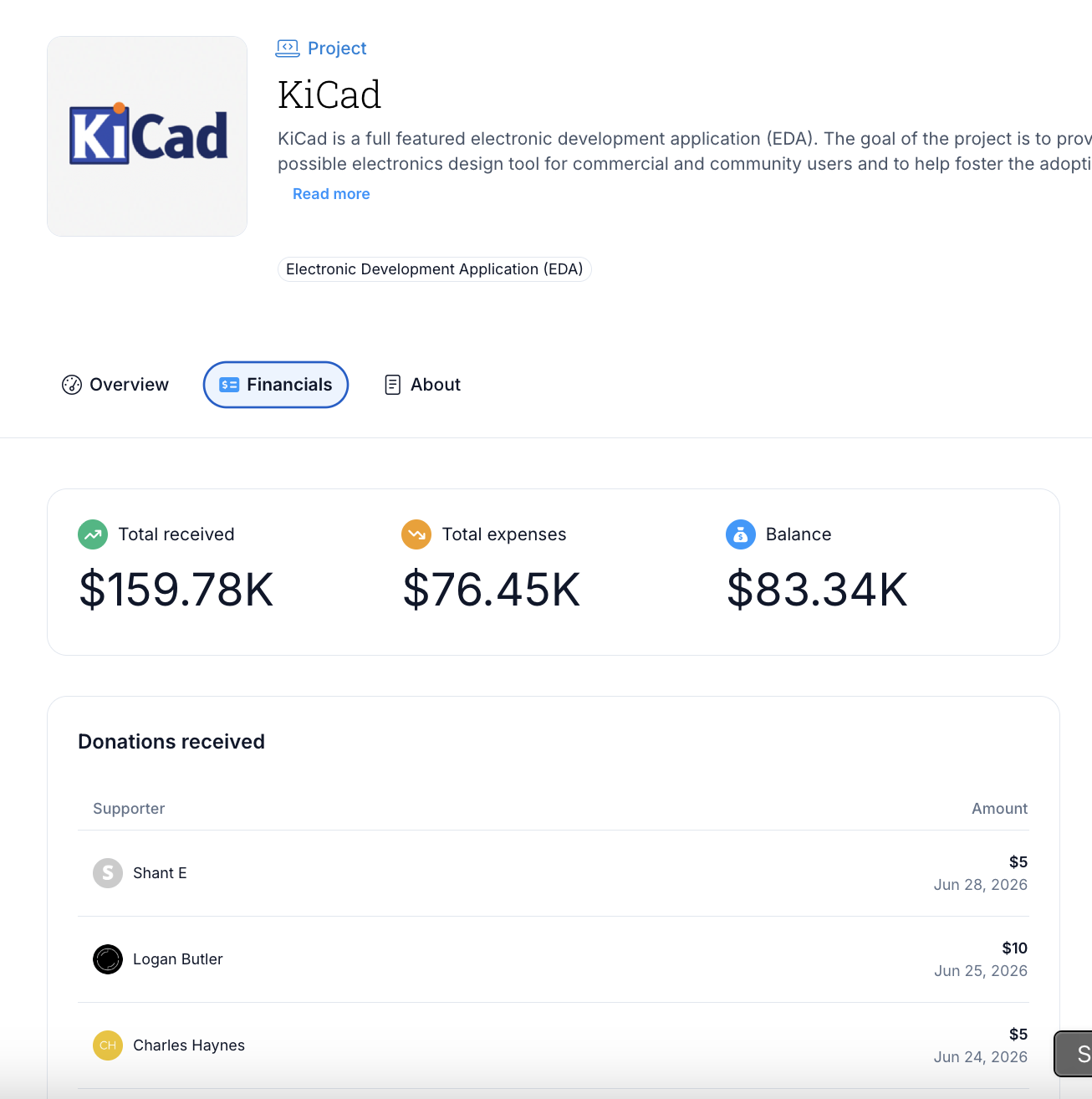
The Financials tab contains a full donations table with each backer's:
- Name and avatar (the organization's, for an organization donation)
- Donor type — Individual or Company
- Donation amount
- Date
Select Load more at the bottom of the table to see older donations.
Organization donations
If someone donated on behalf of an organization, the backer entry shows the organization's name as the donor entered or selected it, with donor type Company. There is no check that the donor works at the organization. See Making a Donation for how to donate on behalf of an organization.
Anonymous donations
If a donor's information is not available, their name is shown as Anonymous. There is no way to filter or exclude anonymous donations from the list.
After donating
Once your payment is processed your name and avatar, or the organization's name if you donated on behalf of one, appear on the initiative's backer list. See Making a Donation for the full payment steps.
Related sections
- Making a Donation — how to make a donation
- Initiatives — browse campaigns